Book Writing Software Compared: Which Tool Fits the Book You're Writing?
Book writing software compared by the kind of book you're writing: novels, series, research-led nonfiction and theses, with an honest comparison table.
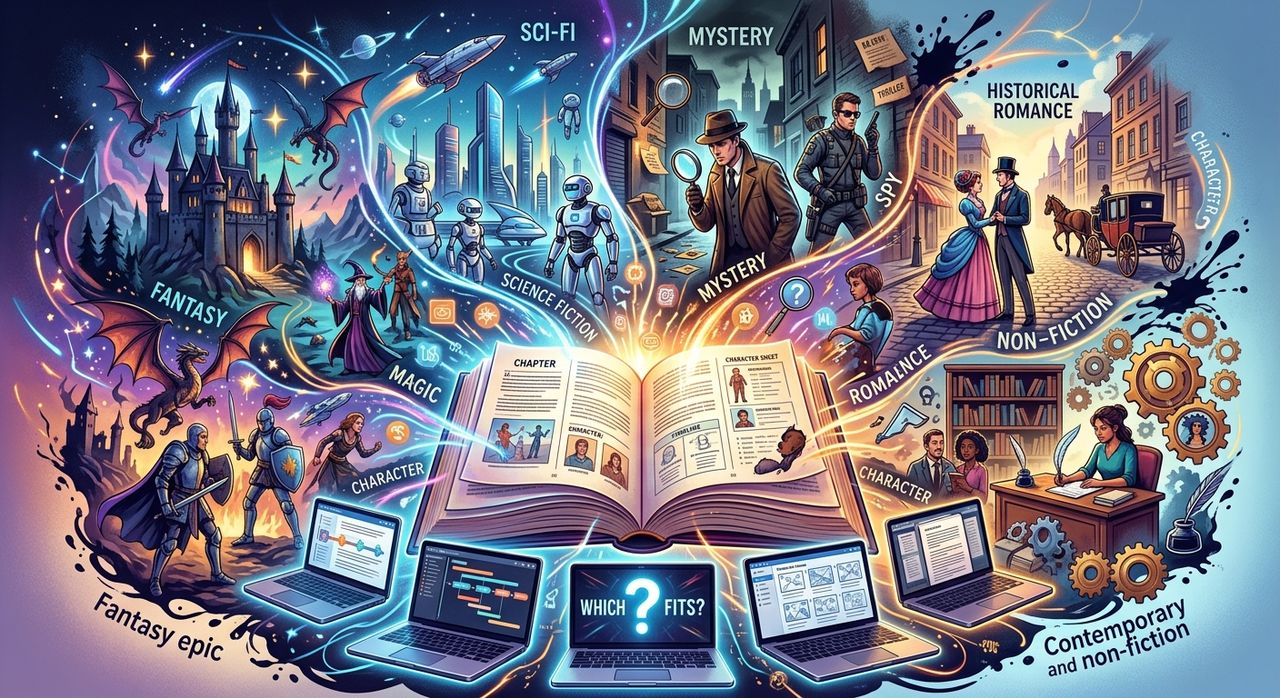
There's no single best book writing software. There's the best tool for the book in front of you. A fantasy series, a narrative history and a doctoral thesis ask very different things of a writing app, and the tool that shines for one can get in the way of another.
So start with the book, not the feature list. Decide what kind of book you're writing, work out which few features actually matter for it, and then pick. That's what this comparison does.
We make Strut, so we'll be upfront: it's built for research-led nonfiction, and for plenty of writers another tool is the better fit. We'll say so where it applies.
Key points:
1. Choose by the kind of book first: novel, series, research-led nonfiction or thesis.
2. The features that decide it are output, offline access, research handling, the approach to AI and the price model.
3. Fiction writers are often best served by Novelcrafter or Sudowrite, complex print layout by Scrivener, and research-led nonfiction by a workspace that keeps sources beside the draft.
Start With the Kind of Book
Each type of book puts pressure on a different part of your process.
- A standalone novel needs room to draft freely, move scenes around and keep track of characters and plot threads.
- A series adds memory. You need a reliable record of names, places, timelines and rules that survives across several books.
- Research-led nonfiction lives or dies on sources. You need notes, quotes and page references close to the draft, and a way to check claims.
- A thesis or dissertation combines research demands with formal requirements: structure, citations, supervisor feedback and version control.
Once you know which of these you're writing, most of the decision makes itself.
What Actually Matters When You Compare
Feature lists are long. These five points are the ones that tend to decide it.
- Output and compile. Compile means assembling many separate files into one formatted manuscript or ebook. If you need print-ready layout or complex ebook formatting, this matters a lot.
- Offline access. Some writers work on trains, in cabins or anywhere with bad Wi-Fi. A desktop app that works fully offline is a real advantage there.
- Research handling. Can you keep PDFs, notes and quotes next to the draft, search across them and trace a claim back to its page?
- Approach to AI. Some tools write prose for you. Others let you bring your own model. Others only transform material you've already written. None is wrong, but they suit different writers.
- Price model. A one-time purchase, a subscription, or a free tier with limits. Think about what you'll pay over the life of a multi-year book.
An Honest Comparison Table
Here's how the main options line up. It reflects each tool's core strengths, not every feature, so check the current details before you commit.
| Tool | Best for | Output and compile | Offline | Research handling | Approach to AI | Price model |
|---|---|---|---|---|---|---|
| Scrivener | Long, complex manuscripts of any kind | The strongest compile for print and ebook | Fully offline desktop app | Research folder inside each project | Not built around AI | One-time purchase |
| Ulysses | Apple users who want a clean, focused writing app | Polished export and direct publishing | Native Apple app | Light; best for writing rather than sources | Not the focus | Subscription |
| Novelcrafter | Novels and series | Manuscript export | Browser-based | A codex that works as a series bible | Bring your own AI model | Subscription |
| Sudowrite | Fiction writers who want help generating prose | Standard export | Browser-based | Story-focused, not source-focused | Fiction-first AI that writes prose for you | Subscription |
| Strut | Research-led nonfiction, theses, long articles | PDF, Word, Markdown or plain text | Browser-based; needs a connection | Notes, imported sources and draft in one project, with page citations | Transforms your own material; doesn't write whole prose from nothing | Free plan, or Pro at $9.99/month or $69.99/year |
Scrivener: Output and Offline Power
Scrivener is the long-standing choice for big manuscripts. It splits a book into small pieces you can rearrange, and its compile system gives you more control over the final formatted output than anything else here. It's a one-time purchase and works fully offline.
The trade-off is a learning curve, and compile in particular takes time to master. If you need complex print output, it's worth that time. Our Scrivener comparison goes through where it wins and where Strut takes a different route.
Ulysses: Clean Writing on Apple Devices
Ulysses is a beautiful Apple-native app. It keeps everything in one library, uses Markdown-style formatting and can publish directly to several blogging platforms. If you write on a Mac, iPad and iPhone and value a calm interface, it's a pleasure to use.
It's less suited to heavy source work, and it's Apple-only. For a side-by-side view, read the Ulysses versus Strut breakdown.
Novelcrafter: Built for Fiction and Series
Novelcrafter is designed for novelists. Its codex is a structured record of characters, places and lore, which is exactly what a series needs. You bring your own AI model, which gives you control over what you use and how.
If you write fiction, especially a series, Novelcrafter is probably a better fit than Strut. The Novelcrafter comparison page explains why.
Sudowrite: AI That Drafts Fiction With You
Sudowrite is fiction-first and leans into generation. It can write prose, suggest what happens next and expand scenes. Some novelists love this. Others find it pulls the voice away from them.
If you want an assistant that actively writes story text, Sudowrite does that and Strut deliberately doesn't. See our honest look at Sudowrite and Strut for the difference in approach.
Strut: Research-Led Nonfiction
Strut is a browser workspace where rough notes, imported research and the draft live in one project. You can import PDFs, Word files and spreadsheets, clip a passage into a note that keeps its page number, and ask a source a question to get answers with page citations.
Its AI works in a panel beside the manuscript. You select a passage, choose an operation such as expand, critique or strengthen, and review the result before using it. It doesn't generate a book from a blank page.
It isn't the right tool if you need offline writing, simultaneous cursors or advanced print layout. It's a good fit for nonfiction books, theses and long reported pieces. The free plan covers one project with up to three documents, and Pro costs $9.99 a month or $69.99 a year; the Strut pricing page has the full breakdown.
Recommendations by Writer Type
- First-time novelist: Novelcrafter for structure, or Sudowrite if you want generation help.
- Series author: Novelcrafter, for its codex.
- Self-publisher with complex print needs: Scrivener, for compile.
- Apple-only writer who wants calm: Ulysses.
- Nonfiction author with lots of sources: Strut, or Scrivener if you need offline work and heavy formatting.
- Thesis writer: Strut for research, notes and supervisor review, with a reference manager beside it.
For a wider view, including general-purpose apps, see our roundup comparing writing tools.
The Short Version
Pick your book writing software by the book. Novels and series usually suit Novelcrafter or Sudowrite. Complex print output points to Scrivener, and a calm Apple setup points to Ulysses. If your book depends on research, with sources, notes and page references beside the draft, a research-led workspace like Strut is built for exactly that.
Write your next long piece in Strut
Keep rough notes, sources and drafts in one project, with AI that works on the passage you select rather than replacing your voice.