Capture before filing
Nothing asks you to categorize a thought at the moment you have it. A note can sit untitled and unresolved for weeks. Filing happens later, when the project makes it obvious where the fragment fits.
A writer's notebook for rough notes, voice notes, and source clips. Keep every fragment one click from the manuscript it might eventually join.
Start writing free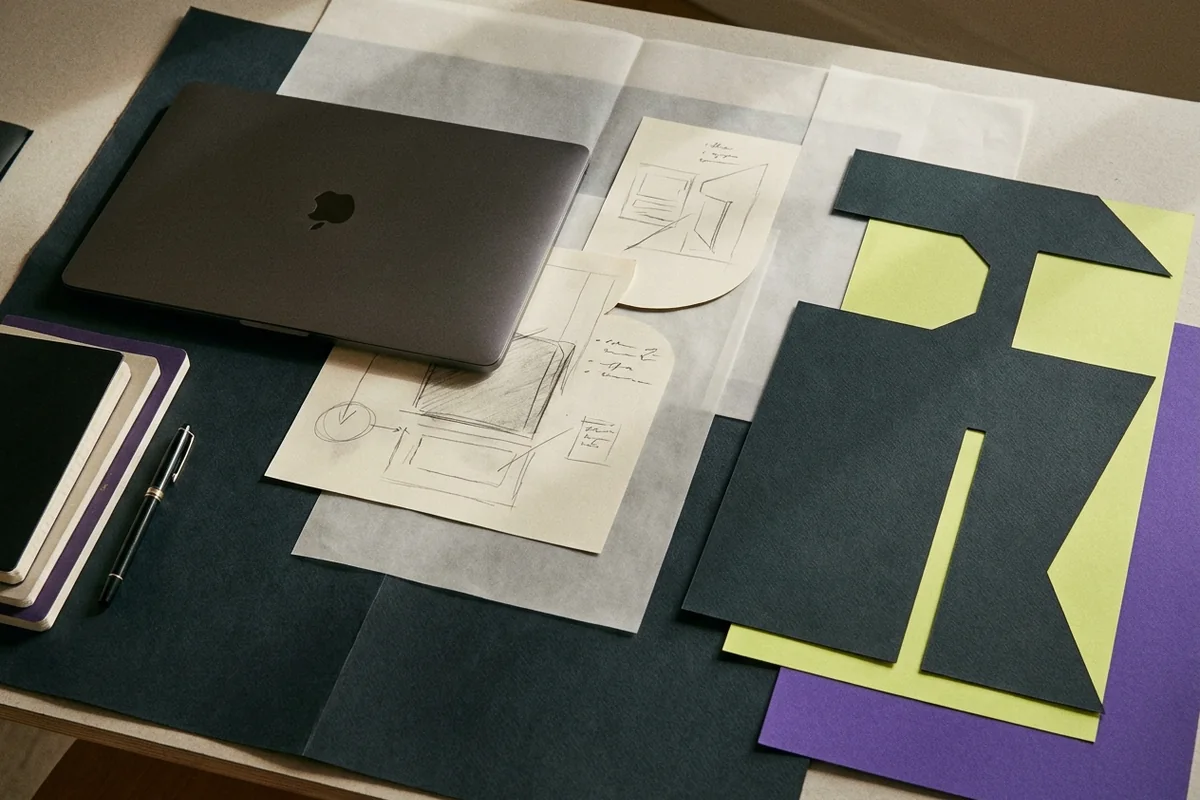 ROUGH NOTES → STRUCTURE → LONG FORM
Rough notes are the first panel in every project. A note is a title and a body, nothing more, and it saves itself while you type. The point is to get a half-formed observation down before deciding which chapter it belongs to, or whether it belongs anywhere at all.
Most fragments die in the wrong place: a phone memo, a chat message, the margin of a book. By the time the draft needs them they cannot be found, or they have lost the context that made them worth keeping. Keeping them inside the project fixes both.
Open Rough notes in the project sidebar and press New note. Type a title and a body. Edits save on their own a moment after you stop typing, so no save button stands between you and the thought.
Record straight from your microphone in the notes panel, or upload an audio file. Strut AI transcribes it and adds a short Writing leads section suggesting claims, scenes, questions and outline placements. It lands as a new rough note.
In the Source Reader, select a passage and save it. It becomes a rough note whose body carries the quotation and a provenance line naming the file and page number, so the trail back to the original survives.
The sidebar shows a live note count next to the manuscript, the outline and the sources. Switching between the draft and the notebook takes one click, which makes it reasonable to check a note mid-sentence instead of guessing.
Up to twenty notes from the project are attached to each Strut AI writing operation as context. An outline built this way reflects what you actually collected rather than a generic shape borrowed from somewhere else.
Nothing asks you to categorize a thought at the moment you have it. A note can sit untitled and unresolved for weeks. Filing happens later, when the project makes it obvious where the fragment fits.
Clips arrive stamped with their file name and page. Weeks later you still know whether a sentence is a quotation from a source, a paraphrase of one, or something you thought yourself.
A voice memo you never replay is worth nothing. Transcription turns a walk or a commute into text that is searchable, editable and already sitting inside the project it belongs to.
The body holds up to 100,000 characters, far more than a fragment usually needs. If a note grows past that, it has probably become a section and belongs in a document inside the same project.
Yes. The notes panel asks for microphone permission and records in place, then sends the audio for transcription. If permission is refused or no microphone is available, the upload option accepts an audio file instead.
The project history feed logs each rough note added and each one deleted, with a timestamp and the person responsible. The body itself is not recoverable afterwards, so treat deletion as final when you press it.
Workspace search looks through the notes, documents and sources of every project you own or have been added to, matching titles and body text alike, and links each result back to the project it lives in.
Give your rough notes
somewhere to go.
Projects, notes, versioned drafts, imported sources, and careful AI assistance in one private workspace.