AI writing workspace features
for work that needs room.
Keep rough notes, developed ideas, research, structure, sections, and the full manuscript in one connected writing practice.
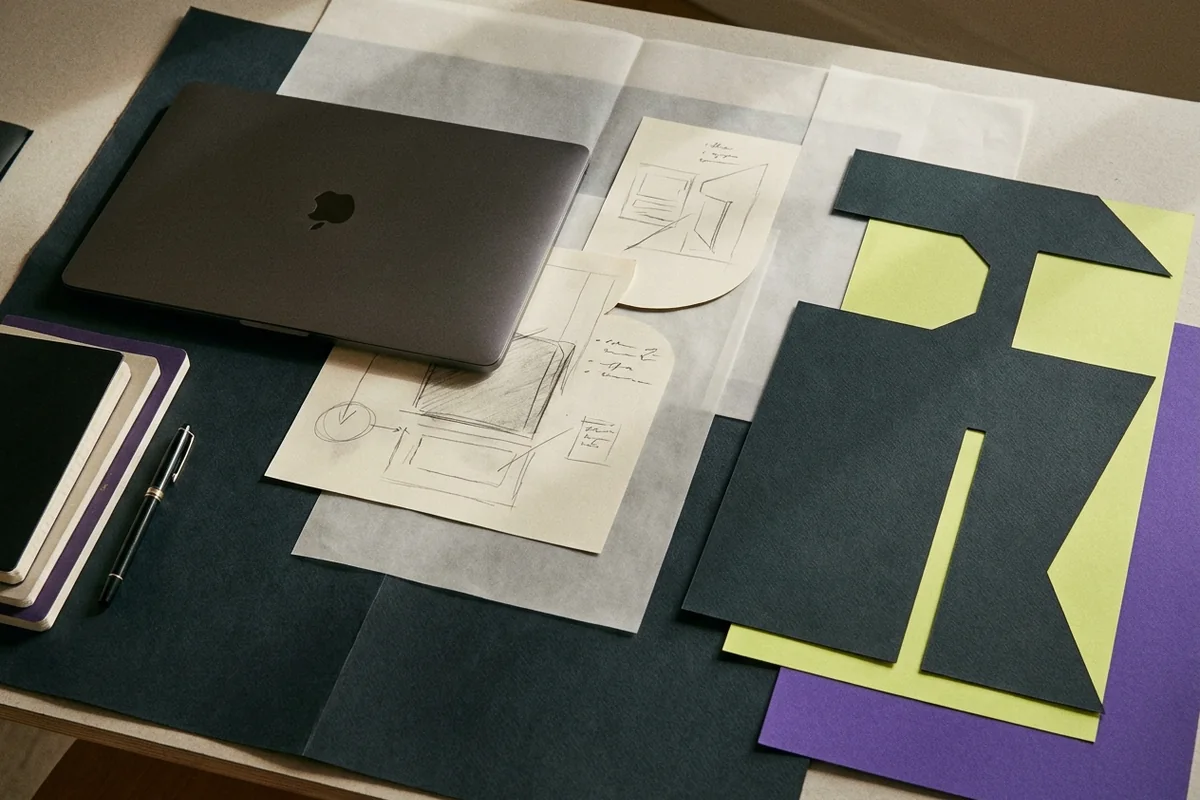
AI long-form writing workspace
An AI writing workspace that works on a selected passage with your notes, sources, and voice profile in context. Review every change before it lands.
- No re-paste ritual
- Nothing applies itself
- Your voice rides along
Writer's notebook
A writer's notebook for rough notes, voice notes, and source clips. Keep every fragment one click from the manuscript it might eventually join.
- Capture before filing
- Attribution survives
- Speech becomes material
Long-form writing projects
Long-form writing projects that give every essay, report, or book one home for its notes, sources, documents, versions, and next writing move.
- Returning is cheap
- Progress you can see
- Deletion means deletion
Long-form editor
Draft long documents in a calm editor with outline navigation, word goals, focus and typewriter modes, local style statistics, and four export formats.
- Nothing typed is lost
- Any earlier state returns
- Pasted text arrives clean
Editing and feedback on drafts
Invite editors and reviewers, keep comments attached to the manuscript, and share a frozen snapshot that never exposes the edits you make afterwards.
- Read access is real
- Everyone reads the same words
- The trail stays with the piece
Research notebook
Import PDFs, Word files, and spreadsheets, transcribe scanned pages when you choose, and ask questions answered with page citations you can check.
- Evidence sits where you write
- Answers can be audited
- Scanning is your decision
One workspace, four connected jobs
Why separate tools lose the thread
Most writing tools are good at exactly one stage. A notes app catches material and then leaves it there. A document editor is excellent at the finished artifact and knows nothing about where its sentences came from. A chat window can produce prose but has no memory of your manuscript. Working across all three means rebuilding context every time you sit down.
How the parts hand off to each other
Strut treats the whole path as one job. The notebook catches rough material as it arrives. The project holds the structure, the sources, and the state of the work. The editor gives the manuscript room to grow with an outline, word goals, and a focused writing mode. Strut AI operates on that material rather than on a blank prompt, and review and research stay attached to the draft they belong to.
The practical result is continuity. A note you captured in March is still one click from the paragraph that needs it in July, the source that supports a claim is still attached to the claim, and picking up a draft after two weeks away starts with reading rather than reconstructing.
What a working session looks like
- Capture without deciding
Fragments, quotations, and questions go into the notebook as they arrive. Nothing has to be filed correctly to be useful later — workspace search reaches notes, documents, and imported sources together.
- Give the project a thread
Name the claim the piece is prepared to defend and the next writing move. Both stay visible in the project, and both become context the assistant can use.
- Draft against the structure
Write in the long-form editor with your outline in the sidebar, a word goal in the footer, and rough notes a tab away. Versions are checkpointed as you go.
- Revise deliberately
Run a bounded AI operation on a passage, review the diff, and accept or discard it. Invite a reviewer when the draft is ready for someone else's read.
Four steps, one project
Feature questions
Do I need to use every part of the workspace?
+
No. Plenty of writers use the notebook and the editor and never open the research or collaboration features. The parts are connected so they can help each other, not so you have to adopt all of them.
Can I import writing I have already started?
+
Yes. Paste a draft straight into a document, or import TXT, Markdown, CSV, PDF, DOCX and XLSX files as project sources. Pasted text is cleaned to real structure rather than carrying formatting junk.
Can I get my writing out again?
+
Always. Any document exports as PDF, Word, Markdown, or plain text, and version history keeps earlier states. Nothing you write is locked to the plan you are on.
What works without the AI?
+
Everything except the assistant: drafting, outline navigation, find and replace, style statistics, read-aloud, word goals, notes, sources, search, versions, comments, and exports all run locally or on your own content.
Is my writing private?
+
Yes. Projects are visible only to you and reviewers you invite, and review snapshots are opt-in with optional passwords and expiry. See the privacy policy for specifics.
Give your rough notes
somewhere to go.
Projects, notes, versioned drafts, imported sources, and careful AI assistance in one private workspace.