How to Plan Word Counts for a Long Piece (and Actually Stick to Them)
How to plan word counts for a long piece: budgets per section, pages and reading time, and checking your draft against the plan with a word counter.
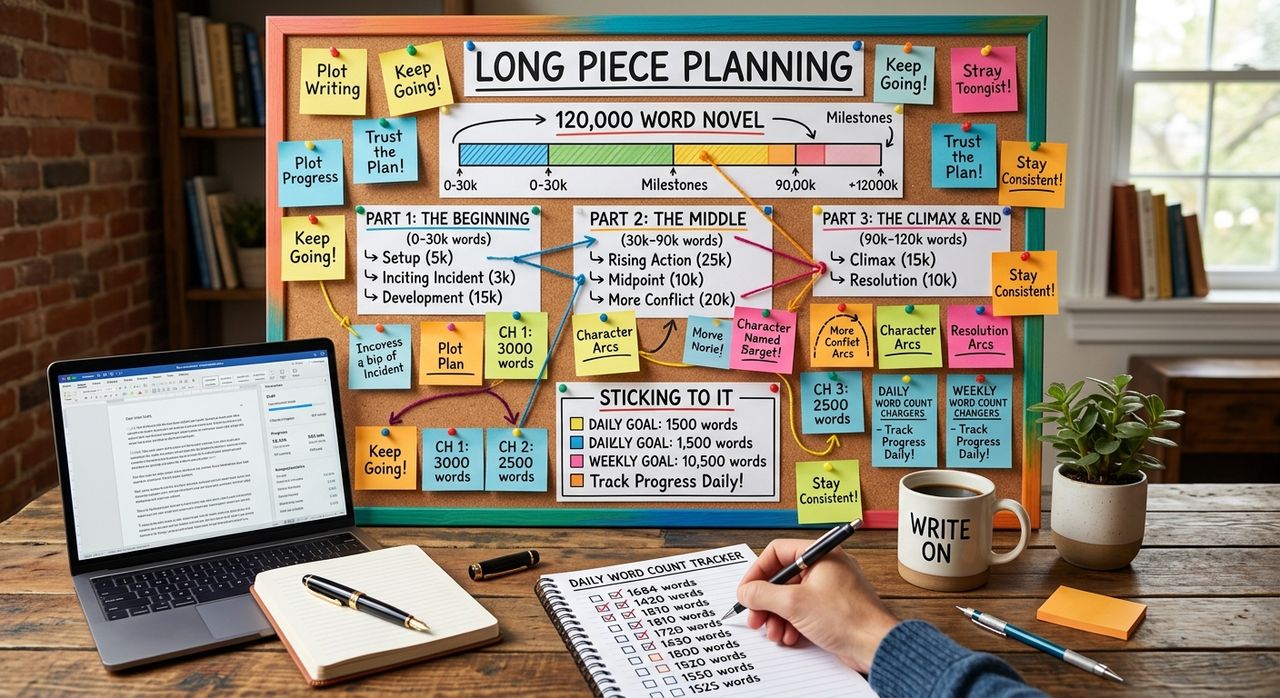
Most long drafts don't fail because they're too short. They fail because they're lopsided. The introduction runs to 2,000 words, the section that carries the argument gets 400, and the conclusion is written at midnight in whatever space is left.
A word budget fixes that. You decide roughly how long each part should be before you write it, then check the draft against the plan as you go. It sounds rigid. In practice it's the opposite: it tells you where you have room to breathe and where you're overspending.
Key points:
1. Set a total word count first, then split it into a budget for each section.
2. Convert words into pages and reading time, because that's how editors and readers think about length.
3. Check the draft against the budget at the end of each session, not only at the end.
Start With the Total
Every long piece has a length it has to land near. Sometimes it's given to you: a 5,000-word feature, a 10,000-word dissertation chapter, a grant answer capped at 750 words. Sometimes you set it yourself, like a newsletter issue you want to read in about ten minutes.
Write the number down before you draft. If nobody gave you one, pick it from the reader's side: how long will they actually give this piece?
Split the Total Into a Section Budget
Now divide the total across your outline. A simple rule of thumb: the section that carries your main claim or best evidence should get the most words, not the section you happen to write first.
Here's a worked example for a 4,000-word feature article:
| Section | Job it does | Budget |
|---|---|---|
| Opening scene | Hooks the reader with one concrete moment | 400 |
| The claim | States what the piece argues and why now | 300 |
| Evidence, part one | Strongest example or case study | 1,000 |
| Evidence, part two | Second example, a different angle | 800 |
| The counterargument | Takes the best objection seriously | 600 |
| What follows | Consequences and what the reader should watch | 600 |
| Close | Returns to the opening image | 300 |
The numbers don't need to be exact. What matters is the shape. If "The claim" ends up at 1,200 words and "Evidence, part one" at 300, you'll see the problem immediately instead of at the edit.
Turn Words Into Pages and Minutes
Editors, supervisors and readers rarely think in words. They think in pages and minutes, so it helps to translate.
For pages, the words to pages converter handles font, size and spacing. With 12pt Times New Roman and one-inch margins, it works out to roughly 500 words per single-spaced page and 250 per double-spaced page. That's why a "20-page" thesis chapter is about 5,000 words, not 10,000.
For readers, reading time is the better measure. The reading time calculator uses 250 words per minute for silent reading and 130 for speaking aloud. So a 4,000-word feature is about a 16-minute read, and the same text read aloud as a talk would run close to half an hour. If you're writing a speech or a podcast script, plan with the slower figure.
Check the Draft Against the Budget
A budget is only useful if you check it. The quickest way is to paste a section into a free word counter at the end of each writing session. It counts words, characters, sentences and paragraphs as you type, and it also shows reading time and readability scores. The text stays in your browser, so it's fine for unpublished drafts.
Three things to look for:
- Sections running well over budget. Usually a sign that background has crept in before the point.
- Sections running well under. Often where the argument is thin and needs another example.
- Very long average sentence length. The readability figures will flag it, and long drafts drift that way when you're tired.
If you draft in Strut, you can set a word goal on each document and watch a progress bar fill as you write, with a session counter showing what you added today. Splitting a long piece into one document per major section makes each budget visible while you work.
Adjust the Budget, Not Just the Draft
Budgets change as you learn what the piece is about. That's normal. The rule is to change the plan on purpose rather than by accident.
When a section wants more room, take the words from somewhere specific:
- Cut background the reader doesn't need to follow the argument.
- Merge two examples that make the same point.
- Shorten the opening. Long pieces almost always start too early.
Then update the budget table so the new shape is written down.
Common Word Count Mistakes
- Writing the introduction first and at full length. Draft it short, then rewrite it once you know what the piece argues.
- Counting only at the end. By then, fixing a lopsided draft means rewriting whole sections.
- Treating the limit as a target. A 5,000-word cap doesn't mean every piece should be 5,000 words.
- Padding to reach a minimum. Readers can tell. Add an example or a counterargument instead.
A Quick Planning Routine
- Write down the total word count.
- Outline the sections and give each one a budget.
- Convert the total into pages and reading time, and sanity-check both.
- Draft one section at a time and count at the end of each session.
- Rebalance on purpose when a section needs more room.
If you want a ready-made structure to put budgets against, our guide to organizing a long writing project walks through setting up the project so each part has a clear job.
The Short Version
Set a total, split it into section budgets, and translate it into pages and reading time. Count each section as you finish a session so you catch lopsided drafts early, and when the plan needs to change, take the words from somewhere specific and update the budget.
Write your next long piece in Strut
Keep rough notes, sources and drafts in one project, with AI that works on the passage you select rather than replacing your voice.