Sending a Manuscript to Editors: Files, Links and Feedback That Don't Get Lost
How to send a manuscript, research files and interview audio to editors without bounced emails, version mix-ups or links that stay open forever.
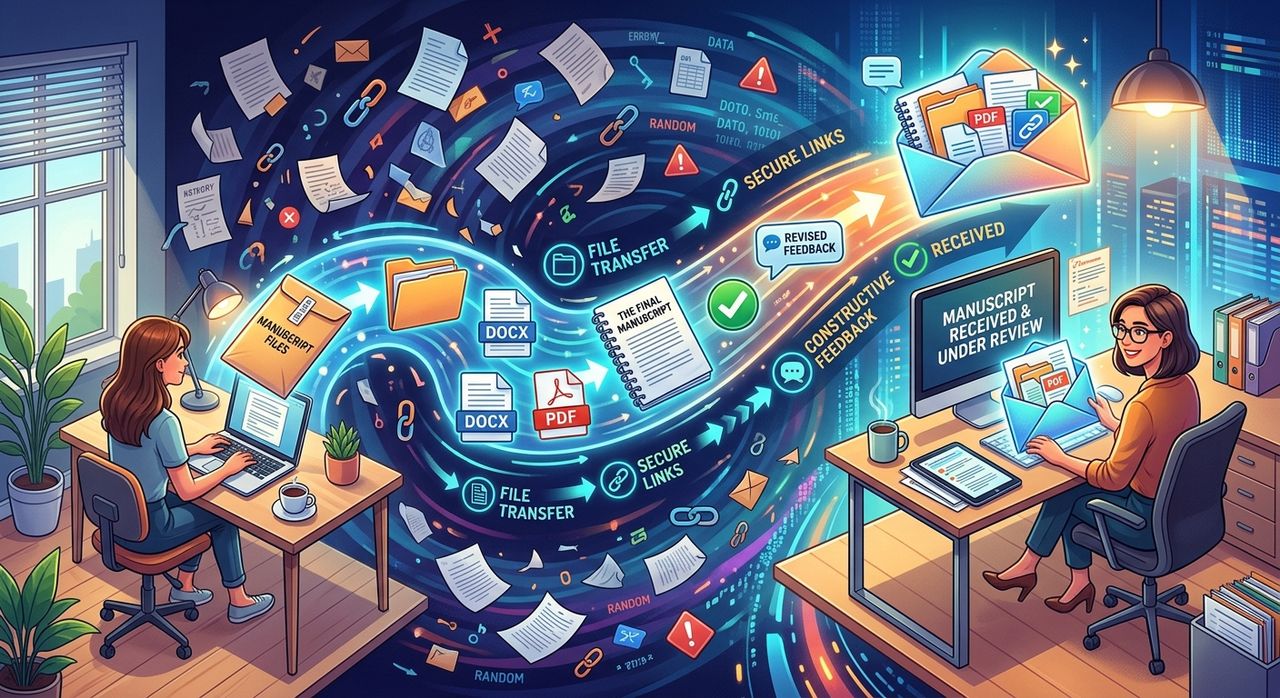
Finishing a draft is only half the job. Then you have to get it, and everything that goes with it, to the people who need to read it. An editor wants the manuscript. A fact-checker wants your sources. A co-author wants the interview recordings. And by Friday, everyone has a slightly different version.
This guide covers how to send each kind of file, how long links should stay open, and how to keep feedback in one place.
Key points:
1. Send the manuscript for reading and the source files for checking in separate ways. They do different jobs.
2. Use share links with an expiry date instead of email attachments for anything large or sensitive.
3. Collect feedback on one shared copy of the draft, not across five email threads.
Sort What You're Sending First
Before you share anything, split your files into three groups. Each one travels differently.
| What | Who needs it | Best way to send it |
|---|---|---|
| The manuscript | Editors, reviewers | A review link to one fixed version |
| Research and source files | Fact-checkers, co-authors | A share link with an expiry date |
| Audio and video | Transcribers, co-authors, producers | A share link that keeps the original quality |
Mixing them causes trouble. An editor doesn't need 40 PDFs of background reading. A fact-checker doesn't need every revision of chapter three.
Research Files: Too Big for Email, Too Important to Lose
A manuscript's source folder is usually bigger than people expect. Scanned documents, reports, photos, spreadsheets. Email stops at around 25 MB, so a bundle of research will bounce.
A share link gets around that. ShareIt.onl lets you send large files without an account, up to 3 GB and 100 files in one share, with a single link to pass on. You can drop in a whole folder so the structure stays intact. Attachments have other downsides too, and the guide on when a share link beats an email attachment covers them well.
For anything sensitive, like leaked documents, unpublished data or anything with personal details, use the secure file transfer options. Add a password, pick a short expiry, or set the link to delete itself after the first download. Send the password through a different channel from the link, say a text message rather than the same email.
How Long Should a Link Stay Open?
Longer isn't better. A link that stays live for months is a link that can be forwarded for months. ShareIt.onl's guide on picking the right expiry for a share link goes into detail, but here's a rule of thumb for writing projects:
- 1 to 24 hours: a single file for someone you're on the phone with
- 3 days: a fact-checker working through your sources this week
- 7 days: a co-author or editor who'll get to it "soon"
The default is 24 hours, and every download keeps the link alive for another 24 hours, so a link people are actively using won't cut out halfway through. When a link expires, your files stay in your account, and you can make a fresh link if someone needs more time.
Interview Audio: Keep the Original Quality
If you record interviews, don't send the audio through a chat app. Most of them re-compress it, and a muddy recording makes transcription harder and quotes less certain.
Use a link that sends the file byte for byte. ShareIt.onl's page for sharing audio files at full quality handles WAV, FLAC and other formats, and recipients can preview the recording in the browser before they download it.
On your end, get the recording into your draft's project as soon as you can. In Strut, a writing workspace for reported pieces, you can upload an interview file to your rough notes and have it transcribed. It lands as a note beside the manuscript, with suggested leads for claims and questions to follow up. That way, the quote you use in chapter four can be traced straight back to the interview it came from.
Collecting Files From Other People
Sometimes the files are coming the other way. A source has documents for you. Contributors to an anthology need to hand in their pieces. A photographer has the images for your feature.
Chasing attachments wastes a morning. A file request link works like an upload inbox: you send one link, people drop their files in, and everything lands in your dashboard. They don't need an account or an app.
The Manuscript Itself: One Version, One Set of Comments
This is where most projects go wrong. You email the draft to three reviewers. Two reply with tracked changes on different versions. One replies with notes in the body of an email. Meanwhile you've kept revising, and now nobody's feedback lines up with the current text.
The fix is to send reviewers a fixed snapshot, not a file, and to keep their comments attached to the text they're about.
Strut's review links for editors and reviewers do both. The link shares a frozen copy of the document, so your later edits stay private until you refresh it. You can add a password and an expiry of 24 hours, 7 days or 30 days, and revoke the link with one click. Reviewers can comment but can't change the text, and each comment stores the passage it refers to, so the reference survives even after you rewrite that paragraph.
Whatever tool you use, stick to three rules:
- One live draft. Everyone comments on the same thing.
- Comments stay with the text, not in email threads.
- Freeze what reviewers see, so a review round doesn't split across versions.
A Sample Handoff for a Long Feature
Here's how a finished feature might go out to an editor and a fact-checker:
- Editor: a review link to the manuscript snapshot, 7-day expiry.
- Fact-checker: a ShareIt.onl link to a zipped sources folder, password-protected, 3-day expiry, password sent by text.
- Interview audio: a separate ShareIt.onl link for the recordings at full quality, 7 days.
- Photographer's images: a file request link sent to the photographer, collected into your dashboard.
- A short note in the email listing what each link is for and when it expires.
That last step matters more than it looks. People ignore links they don't understand.
Mistakes to Avoid
- Attaching the manuscript to an email. You lose control of who has it and which version they read.
- One link for everything. Different readers need different files.
- Links that never expire. Pick a date that matches how long the person actually needs access.
- Sending audio through chat apps. Compression makes transcription harder.
- Feedback in email bodies. It's cut off from the text and easy to lose.
The Short Version
Split the handoff. Send the manuscript to reviewers as a fixed snapshot, send sources and audio as expiring share links, and collect incoming files through a request link. Keep comments on one copy of the draft. It's a little more setup than hitting "attach," and it saves days of sorting out who read which version.
Write your next long piece in Strut
Keep rough notes, sources and drafts in one project, with AI that works on the passage you select rather than replacing your voice.